See the quiz funnel behind the ad—and the market activity around it
Explore quiz funnel walkthroughs completed from start to finish, with screenshots of every screen, question and selected answer. Each funnel card links to the ads that lead into it, and "Market overview" shows how the brands behind those funnels change their Meta ad activity month to month.
- 1.3M ads per month
- 28 categories
- 10 free funnels each week

Spytrend database, October 2026
How Web2App differs from app ads in the general feed
The general feed shows the ad. Web2App shows what is behind it: the whole funnel, the paywall prices and the market around it.

A competitor’s paywall plans and prices: what one ad doesn’t show.
Nutra, Crypto and Web2App: each with its own markup
Each section is a separate subscription with its own markup of offers or funnels. Open the one you work in.
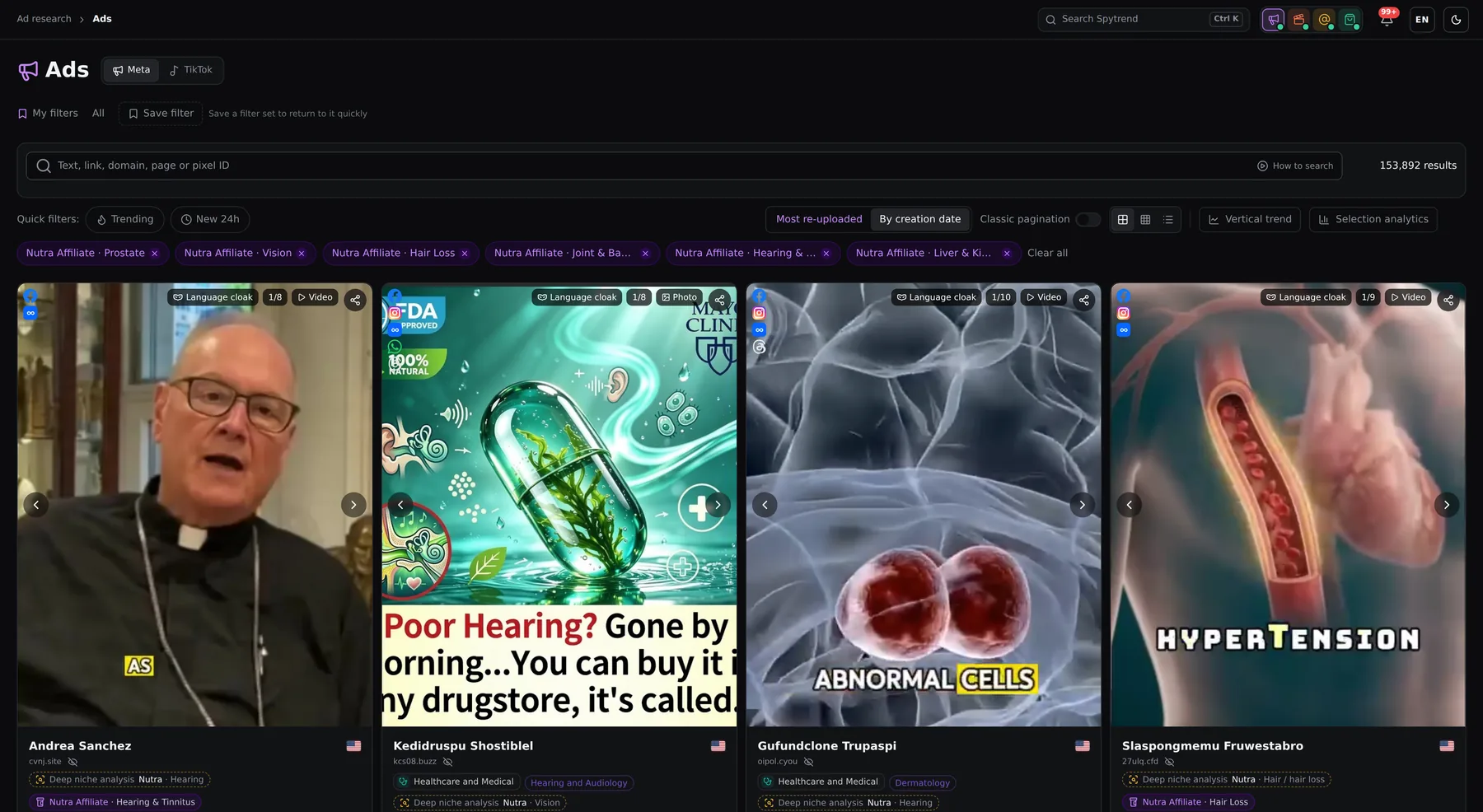 Nutra Affiliate490K+ nutra ads
25 niches from weight loss to prostate, landing techniques, brands and a day-by-day trend.
Open the landing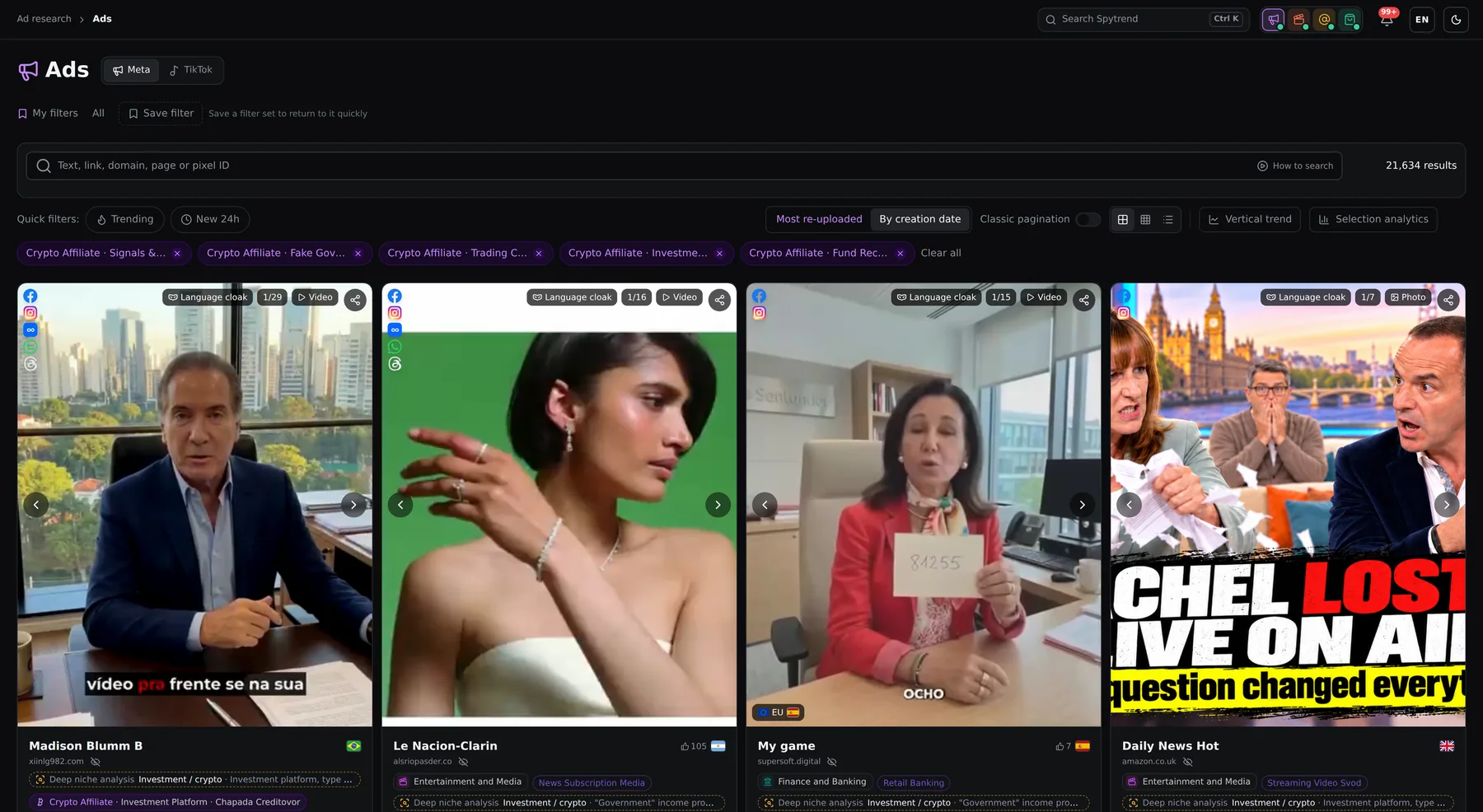 Crypto Affiliate56K+ crypto ads
7 schemes from AI trading bots to «government programs», landing techniques and a day-by-day trend.
Open the landing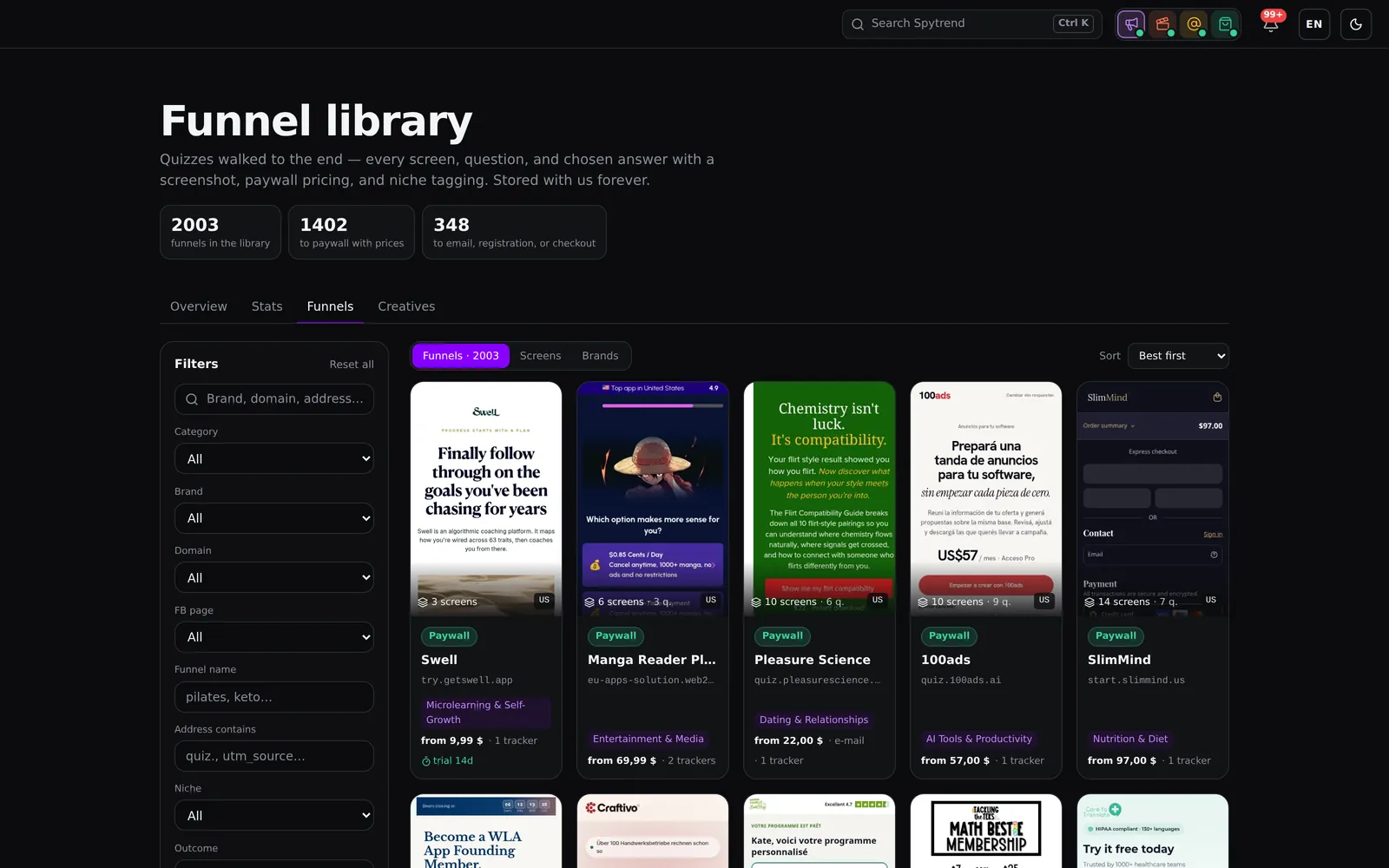 Web2App2,000+ quiz funnels
Competitors’ quiz funnels walked through to the end, the paywall plans and the market by month.
You are here


This week's 10 funnels are open to everyone
Explore this week’s selection without a subscription. Each card shows the first screen, the number of screens and questions, the "from" price, trackers, trial and category — open any of the 10 to read the full walkthrough. The selection is the same for everyone and changes weekly; the rest of the library is visible under a blur, and you can subscribe to "Web2App" right there to open it.

See how a web2app funnel connects questions to an offer
Five close-ups from the section: a full walkthrough, its paywall plans, the library filters and two market views.

Follow this quiz from the first question to its paywall
Read every screen in this walkthrough in order, with step labels, questions and selected answers. See how the opening angle builds toward the offer, screen by screen. Example from the funnel library: the BetterMe quiz.
Compare the offers shown on this paywall
"Plans & subscriptions" lists the plans from this funnel's paywall with prices and trial terms as they appeared on the screen, so you can see how other apps package and anchor their offer.
| Brand | Total | Vs previous month | Last 3 mo. |
|---|---|---|---|
| BetterMe | 1.7M | ↑1% | ↑18% |
| WalkFit | 790.4K | ↓14% | ↑35% |
| YogaGo | 629.6K | ↓21% | ↑163% |
| Lasta | 460.2K | ↓28% | ↑39% |
| MuscleBooster | 326.9K | ↑104% | ↑22% |
Spot brands increasing their ad activity
Compare brands by monthly ad count and changes versus the previous month and over three months. Use the table to choose which advertisers’ funnels and creatives to investigate next.

Find funnels that match your research
Filter the "Funnel library" by category, brand, domain, funnel builder, trackers, trial and more. Narrow the selection by country, language, screen text or walkthrough outcome to find journeys relevant to your research.

See how new Meta ad volume changes each month
The bar chart in "Market overview" shows new Meta ads for web2app funnels by month. Track whether web2app advertising on Meta is growing or slowing before you plan your next funnel test.
Ground your quiz funnel research in screens and ad activity
Use the walkthroughs to understand what advertisers show users, and the market data to decide which brands deserve a closer look.
Follow the creative’s angle into the quiz
Compare approaches within your niche
Focus research on changing ad activity
Use Meta ad trends to choose your next funnel test
Find a brand or segment to investigate
Start with "Market overview" to compare advertiser activity. In "Monthly statistics", group ads or visuals by brand, domain, category, Facebook page, country or language, then add a second grouping to narrow your comparison.
Inspect the completed walkthrough
Find the journey in "Funnel library" and review its screenshots in order. Check the opening question, the later screens and where the walkthrough ended, for example at a paywall, an email step, registration or payment.
Choose an idea from the connected creatives
Review the funnel’s ads, then use "Creatives" to sort by active now, most copies, new launches or recently shown. Look at how their messages connect to the funnel and select an angle or screen sequence for your own flow.
Find successful webmasters and explore their winning campaigns
“Ad research” links ads by pixel, landing page domain, Page ID and IP, bringing a webmaster’s entire ad network into one profile. It is a separate subscription you can get alongside Web2App.
Webmaster profile
A webmaster's whole ad network in one profile: the ads, landing pages and setups they scale.
Linked by 4 IDs
Ads are grouped by pixel, domain, Page ID and IP. When a webmaster switches pages, their campaigns stay in one profile.
Search by Pixel ID
Enter a Pixel ID to see every ad, landing page and domain using that pixel. Discover connections between campaigns.
Days in rotation
See how many days an ad has been running. 5+ days is a market signal, not a guarantee of profit.
Telegram bot
Watch a domain, page or advertiser in @spytrends_bot — the bot messages you when new ads launch.
Creatives without duplicates
Instead of 50 copies of one banner — one unique creative with data on where and how much it runs.
Web2App plans
A separate subscription: pay per month or per year and the section opens right away.
Separate subscription
Web2App: funnel library
Competitor quiz funnels walked through to the paywall: every step, the questions, the price and the brand.
What's included
- Web2App section: market overview, brands, funnels, creatives
- Screenshots of every quiz step and the paywall
- New funnels every day
- Secure payment via Stripe
- Cancel anytime
Frequently asked questions
Web2App is for app teams using web-to-app funnels, as well as marketers and media buyers working with subscription apps. It helps them explore quizzes step by step, review questions and selected answers, compare paywalls and prices, and find the ads leading into those funnels.
Open "Funnel library" to explore 10 funnels in full without a subscription. Everyone gets the same selection, which changes weekly. A "Web2App" subscription opens the rest of the library.
It includes screenshots of every screen encountered, with the questions and selected answers recorded in sequence. Walkthroughs are completed to their endpoint; many reach a paywall with prices, others stop at an email step, registration or payment, and you can see where each one ended. You can filter by outcome. New funnels are automatically tagged and walked through.
"Market overview" shows new Meta ads by month and changes in market players’ ad counts over one and three months. "Monthly statistics" lets you compare segments using ads or visuals as the metric. "Creatives" helps you find active ads, new launches, recently shown ads and creatives with the most copies.
Yes. "Web2App" is a separate subscription, available on its own or together with "Ad research".
Start with 10 free funnels, then open the rest
Explore this week’s complete walkthroughs in "Funnel library". Subscribe to "Web2App" to continue researching across the library.